How it works
Three steps. Under five seconds per photo.
No technical knowledge required. No bracketed exposures. No manual masking.
Detect zones
The AI identifies high-contrast regions: shadows in corners, blown-out windows, mid-tone walls. Each region gets its own treatment.
Tone map per zone
Shadows lift to recover detail. Highlights compress to recover window content. Mid-tones stay natural — no global filter, no halos.
Reconstruct seamlessly
Zones merge into a single image without visible boundaries. Structural-lock prevents the AI from inventing detail — only lighting changes.
Average time per photo: 3.8 seconds. Average time for a 20-photo listing: under 2 minutes.
The pain this solves
Without HDR, your iPhone listings hit a quality ceiling.
Interior shots have huge dynamic range. iPhone hardware can't capture both at once. Without post-processing, one is always sacrificed.
Problem 1
Dark interiors
The shot: Living room with windows visible, taken on iPhone in auto mode.
Buyer impact: Listing photos look depressing. Click-through rate drops up to 30%.
Problem 2
Blown-out windows
The shot: Same room, exposed for the walls instead of the view.
Buyer impact: Windows are pure white. The view — your selling point — is invisible.
Problem 3
Halos from auto-HDR
The shot: iPhone's built-in HDR adds halos around windows.
Buyer impact: Photos look 'edited' in the wrong way. Some MLSs flag these as AI-generated.
Lumistate solves all three in a single pass. Zone-based, structural-lock, no halos.
Real listings · real results
247 listings used HDR last week.
Drag any slider to compare. Each photo is a real listing, shot on iPhone, processed in Lumistate.
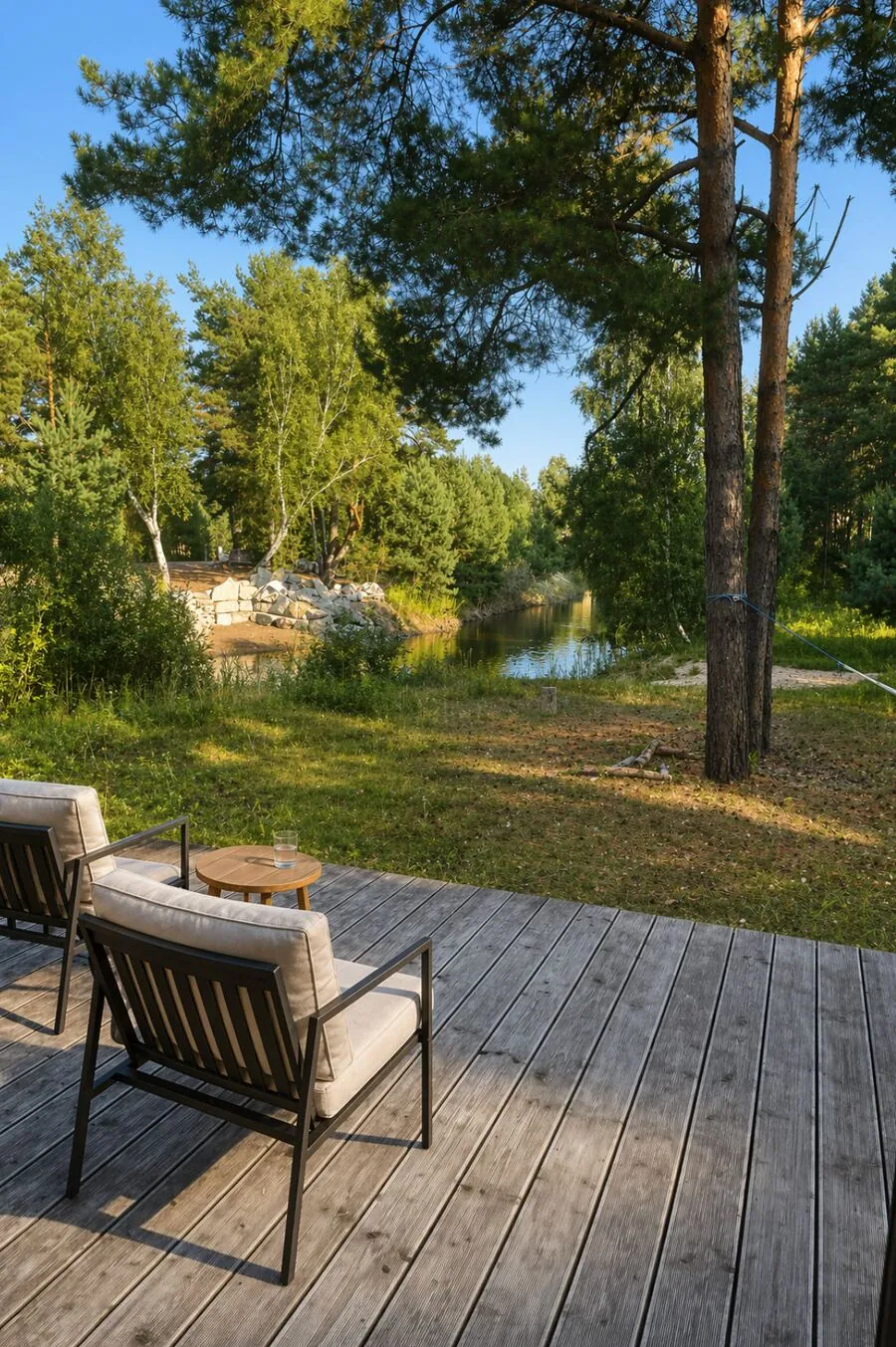
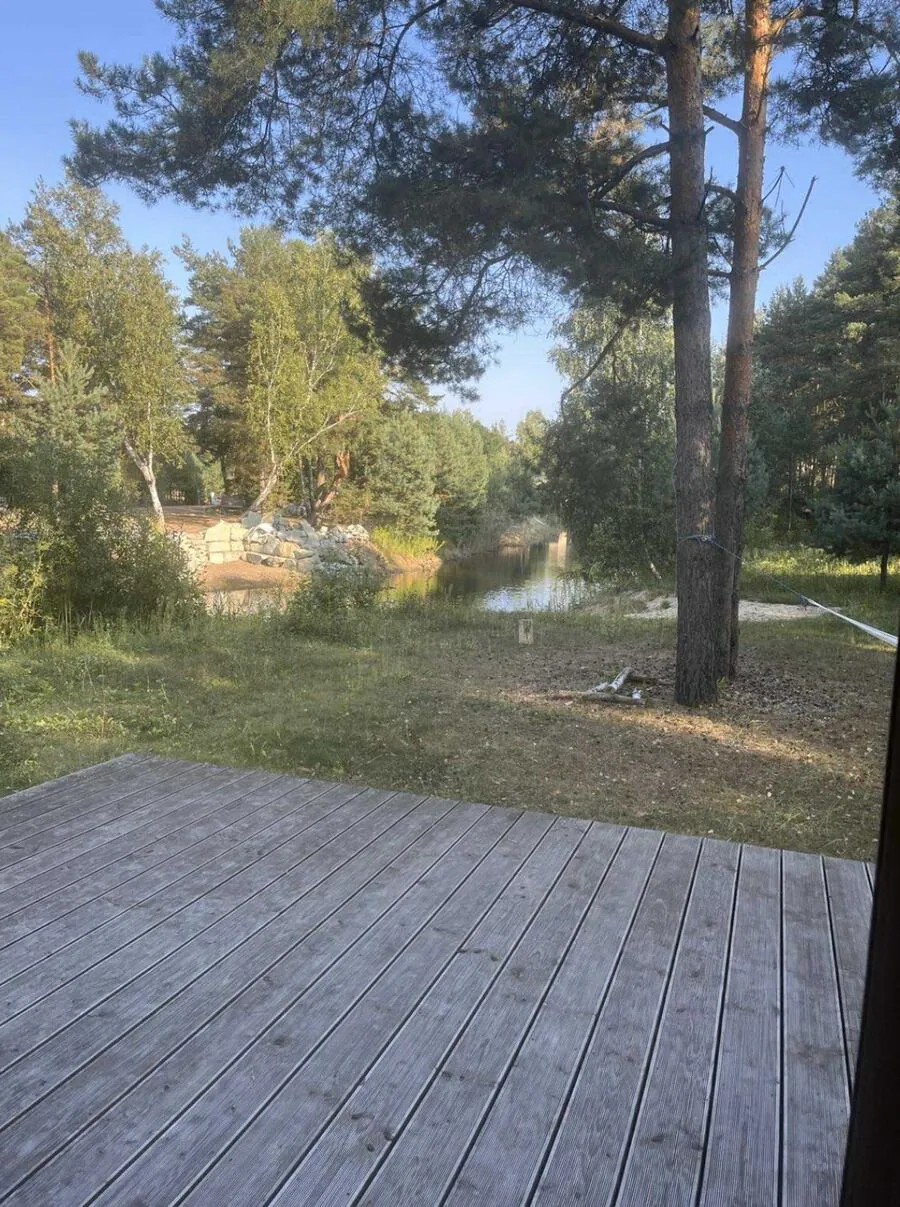
Cape Cod · Living room
Shot on iPhone · MLS-ready
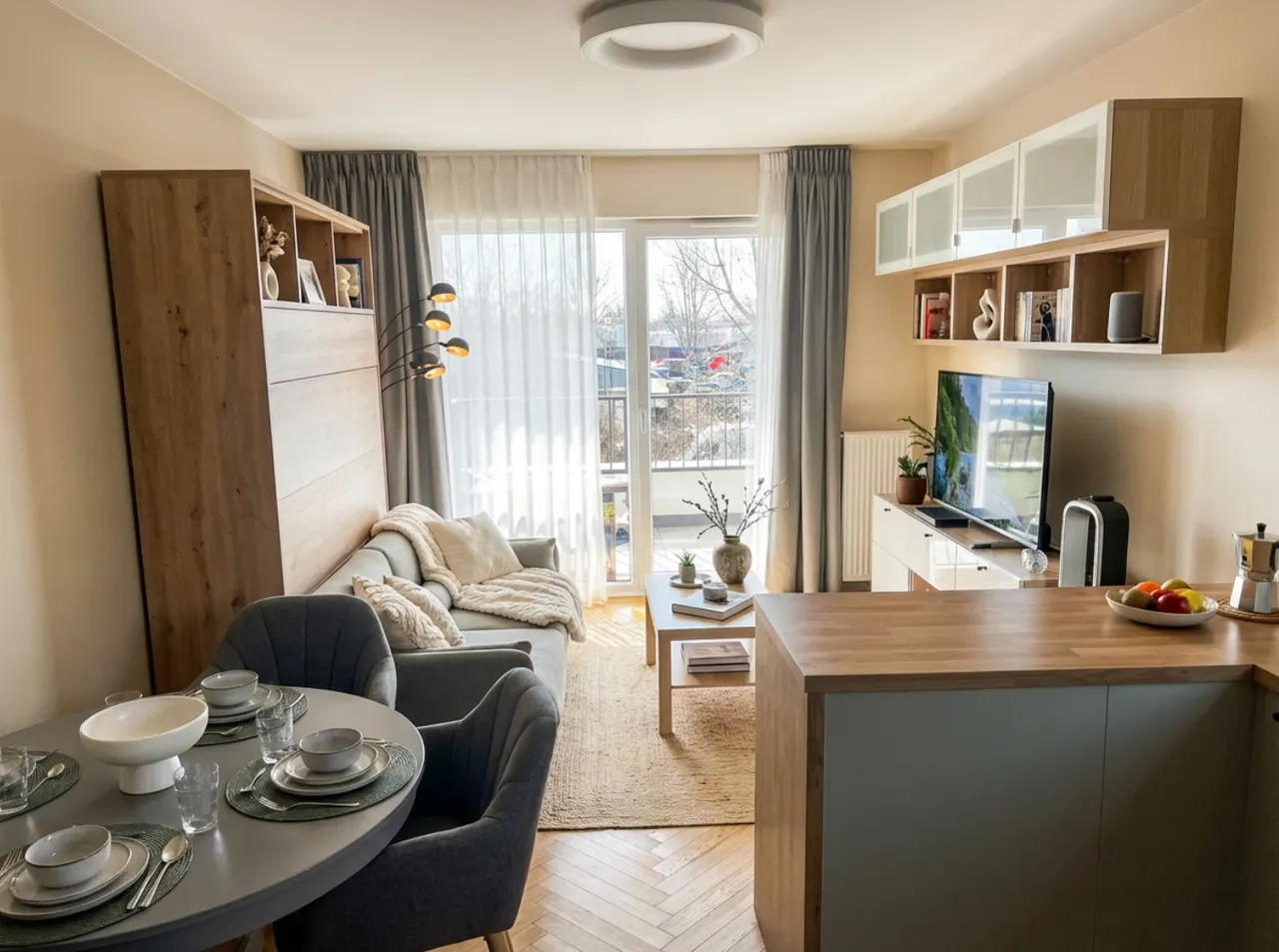
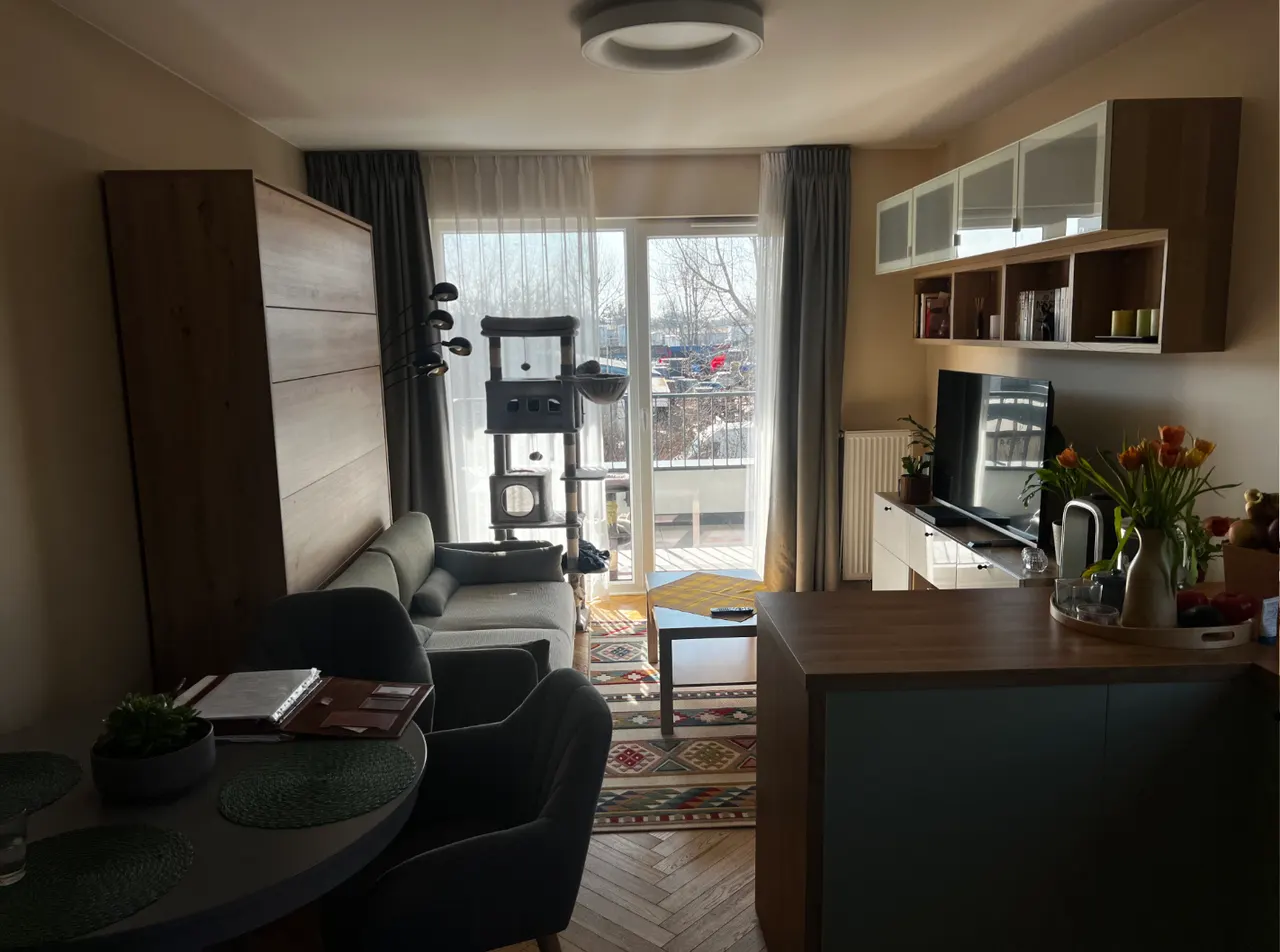
Brooklyn · Bedroom
Shot on iPhone · MLS-ready
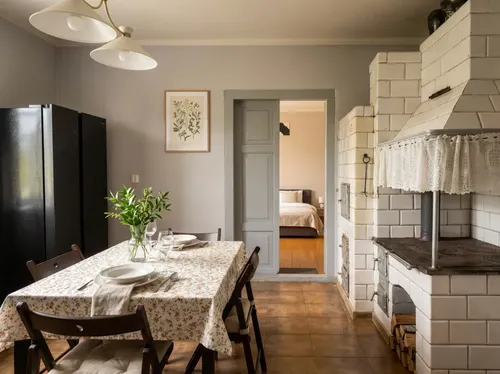
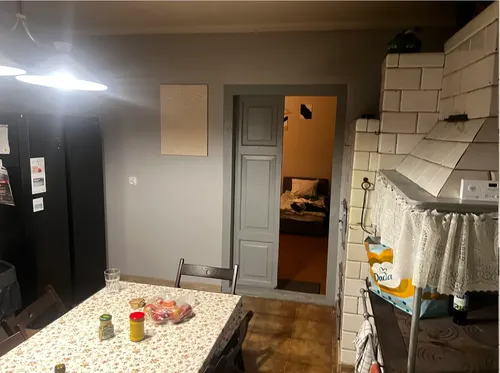
Austin · Kitchen
Shot on iPhone · MLS-ready
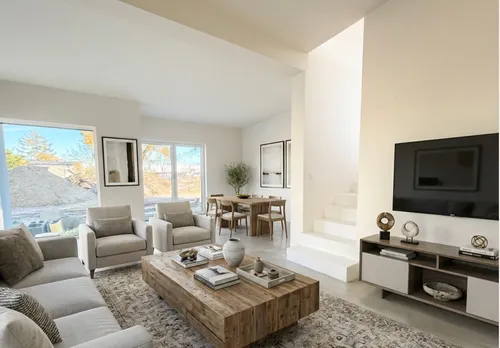
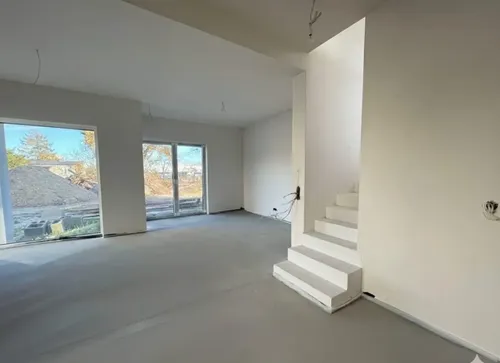
Denver · Loft
Shot on iPhone · MLS-ready
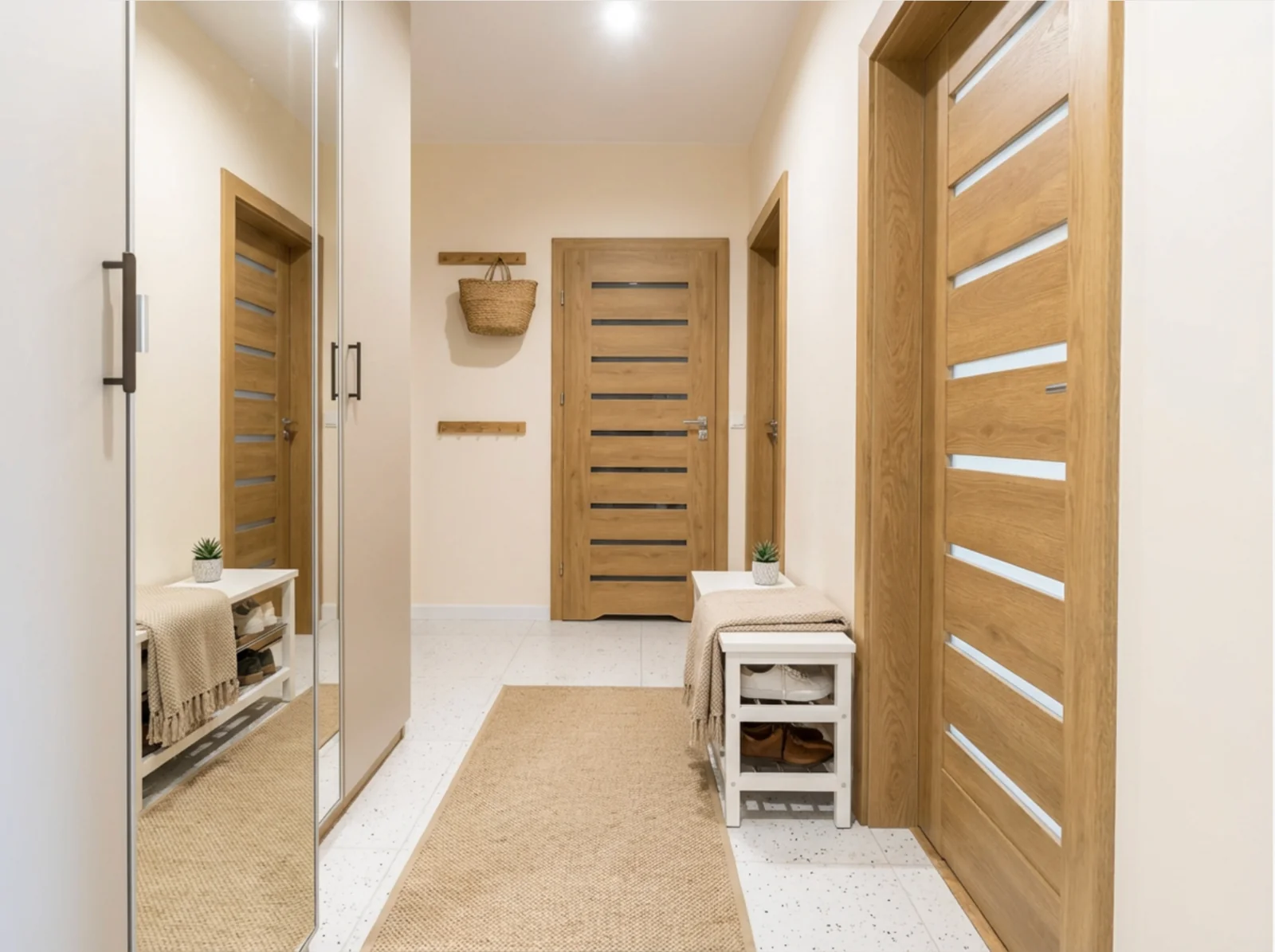
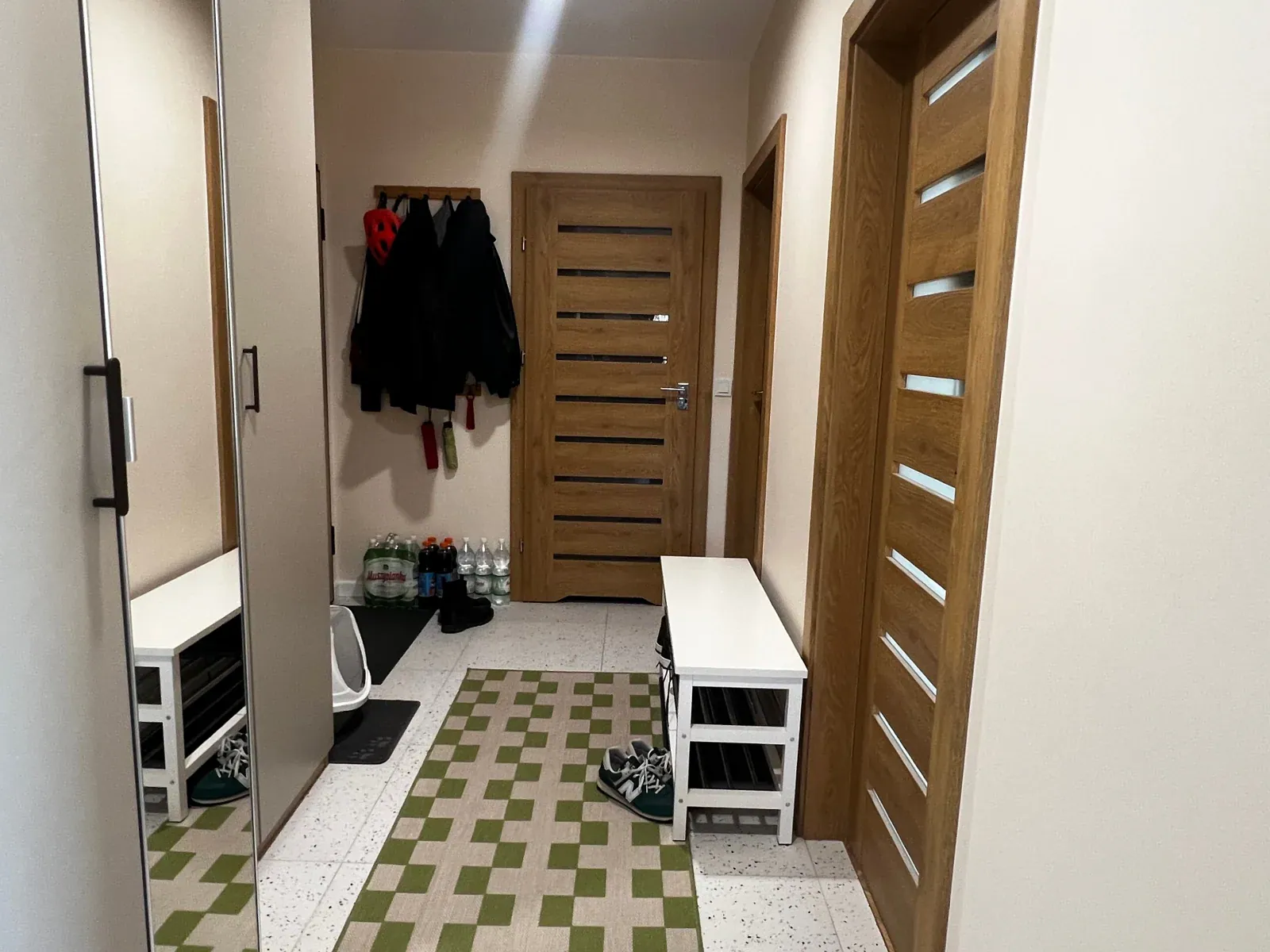
Seattle · Exterior
Shot on iPhone · MLS-ready
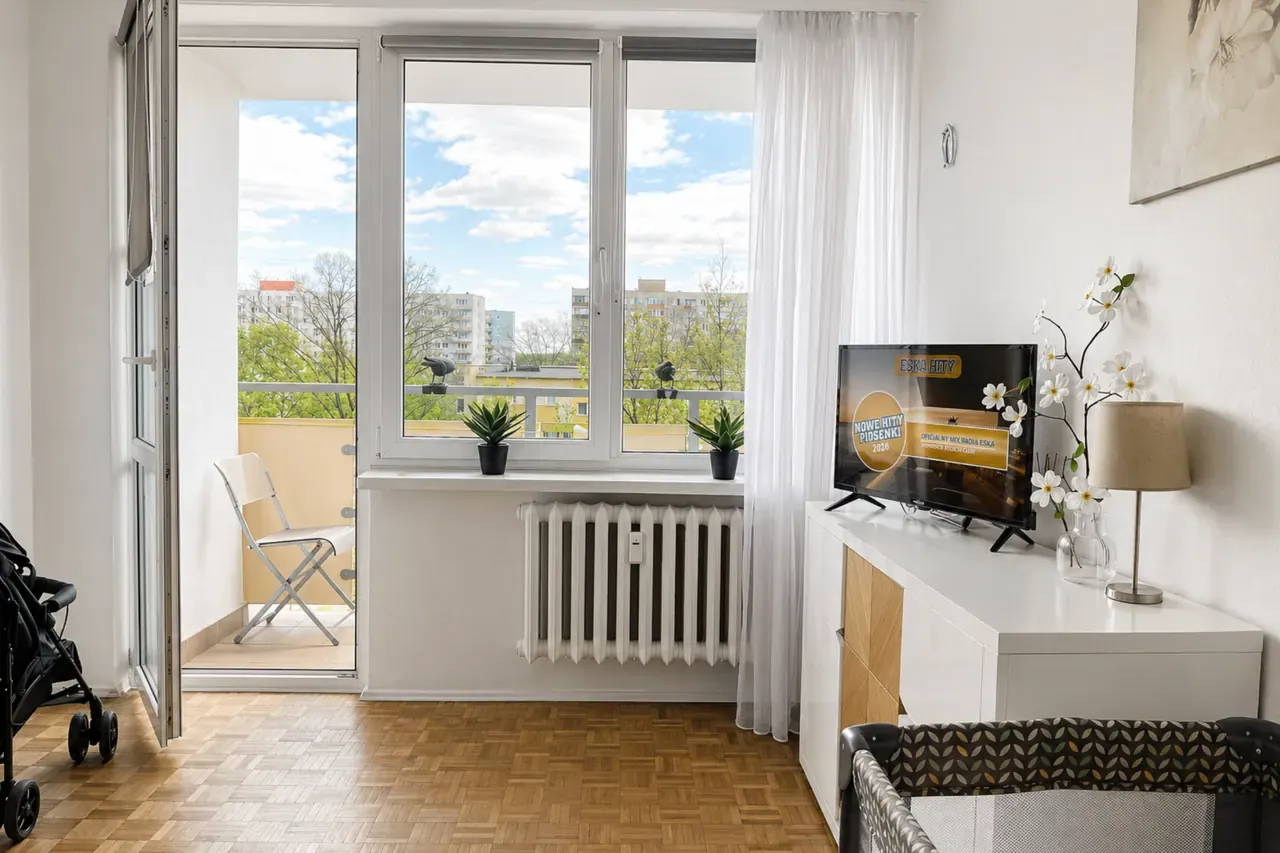
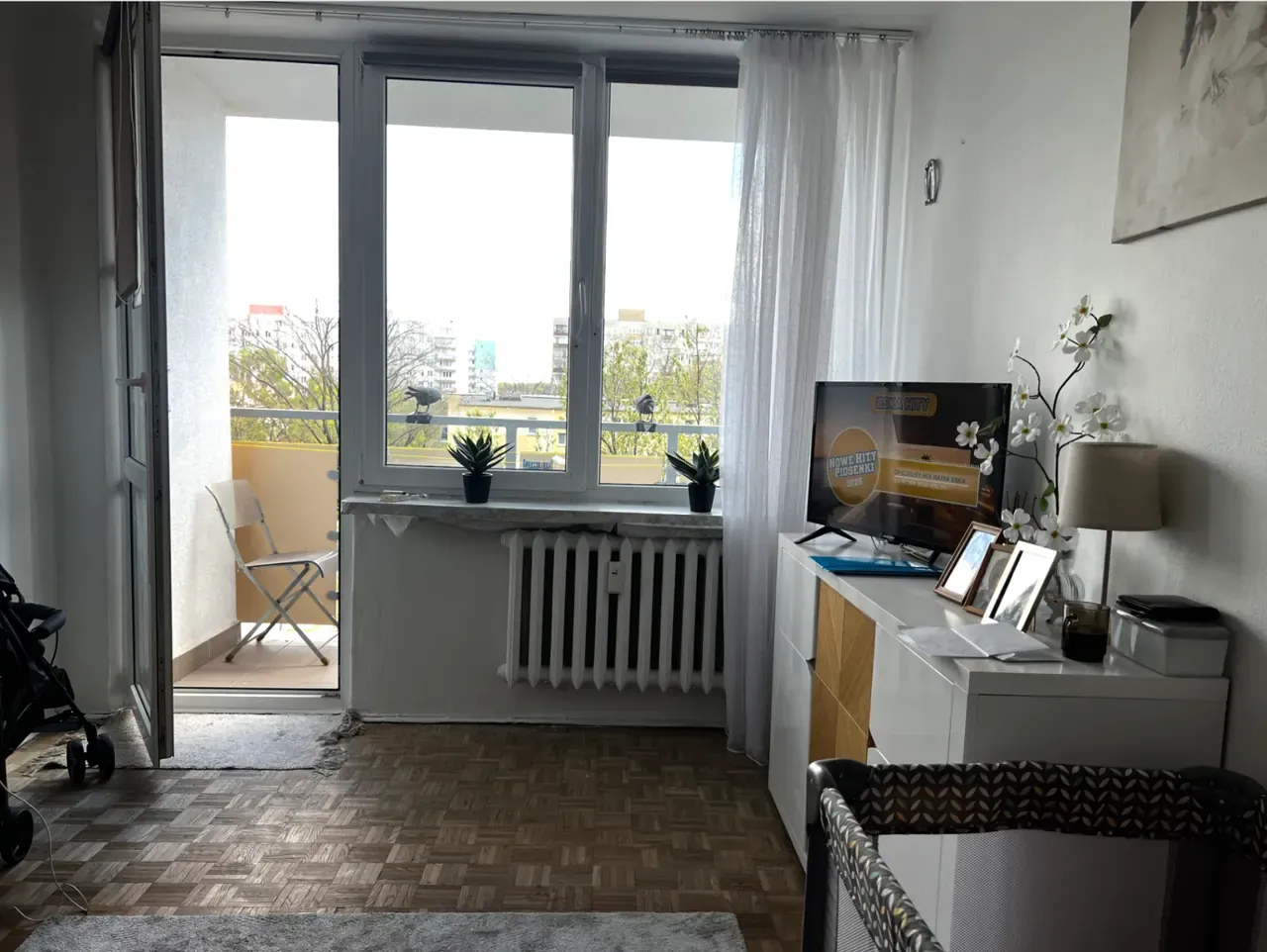
Phoenix · Family room
Shot on iPhone · MLS-ready
How Lumistate compares
Three other ways to fix HDR. Why ours wins.
Honest comparison against the alternatives most agents have tried.
| iPhone Auto-HDR | Lightroom Manual | Generic AI tools | Lumistate | |
|---|---|---|---|---|
| Time per photo | 0 sec (built-in) | 5–10 min | 10–30 sec | 3.8 sec |
| Halos / artifacts | Common | None (if skilled) | Common | None (zone-based) |
| Window detail | Lost | Recovered | Hit-or-miss | Recovered |
| MLS compliance | OK | OK | Risk of rejection | Compliant by design |
| Skill required | None | High | None | None |
| Cost per photo | Free | $20/mo + time | $0.10–0.50 | €0.06 |
We're not the cheapest. We're not the only AI tool. But we're the only one built for the iPhone-shooting agent who needs MLS-compliant results in seconds.
When to use it
Four scenarios where this is non-negotiable.
The exact moments active agents reach for this tool.
Bright window, dark room
The shot: Living rooms with large windows on a sunny day.
Without: Either the room is dark or the window is white.
With: Both balanced — view visible, room ambient.
Mixed lighting
The shot: Open-plan kitchen-living with daylight + warm bulbs.
Without: Color cast and inconsistent exposure across zones.
With: Balanced color temperature and unified exposure.
Dim corners + bright fixtures
The shot: Bathrooms or hallways with overhead lights.
Without: Corners disappear, fixtures dominate the frame.
With: Corners hold detail, fixtures recede.
Exterior with sky + facade
The shot: Front shots with the building and the sky.
Without: Either the building is dark or the sky is washed out.
With: Building detail and sky color preserved.
What's in your plan
HDR is included in every Lumistate plan.
Including the Free tier. Try it without committing.
| Free | Pro €29 | Volume €79 | Business €99+ | |
|---|---|---|---|---|
| VIRTUAL STAGING | ✓ | ✓ | ✓ | ✓ |
| Photos / month | 5 | 100 | 500 | 600/seat |
| Processing pipeline | 1-pass | 2-pass | 2-pass | 2-pass |
| Priority support | — | ✓ | ✓ | ✓ |
Try it on your next listing. Free for 7 days.
15 generations. Cancel anytime. Listing live by tonight.
Works well with
Most agents pair this with:
HDR + DECLUTTER
HDR fixes the room. HDR + DECLUTTER fixes the view through the window.
Learn moreIn-Paint Fix
Some windows are too blown out for HDR alone. In-Paint reconstructs the view.
Learn morePrivacy Blur
HDR shows everything in your shot — including the things you don't want visible.
Learn more