How it works
Three steps. Brush. Describe. Done.
No technical knowledge required. No bracketed exposures. No manual masking.
Mask the region
Brush over the area you want fixed. Soft edges; no precision required.
Understand the context
The AI looks at surrounding floor, wall, and lighting to infer what should be there.
Regenerate seamlessly
Only the masked pixels change. Color, lighting, and texture flow naturally from the surroundings.
Average time per fix: 6 seconds. Most listings need 2–3 in-paint passes.
The pain this solves
Every listing has that one thing.
And it's almost always the difference between a 'shareable' listing and a forgettable one.
Problem 1
Cords and clutter
The shot: Charging cables, kid's toys, paperwork on the counter.
Buyer impact: Buyers fixate on details. One cord ruins the photo.
Problem 2
The seller's car
The shot: Driveway shots with a car blocking the entrance.
Buyer impact: Reshoot or cropped photo — neither is great.
Problem 3
Signage & branding
The shot: Reflections in mirrors, branded items, religious symbols.
Buyer impact: MLSs increasingly flag these. Buyers project bias they shouldn't.
Brush, regenerate, list. The fix takes longer to describe than to do.
Real listings · real results
142 in-paint fixes ran last week.
Drag any slider to compare. Each photo is a real listing, shot on iPhone, processed in Lumistate.
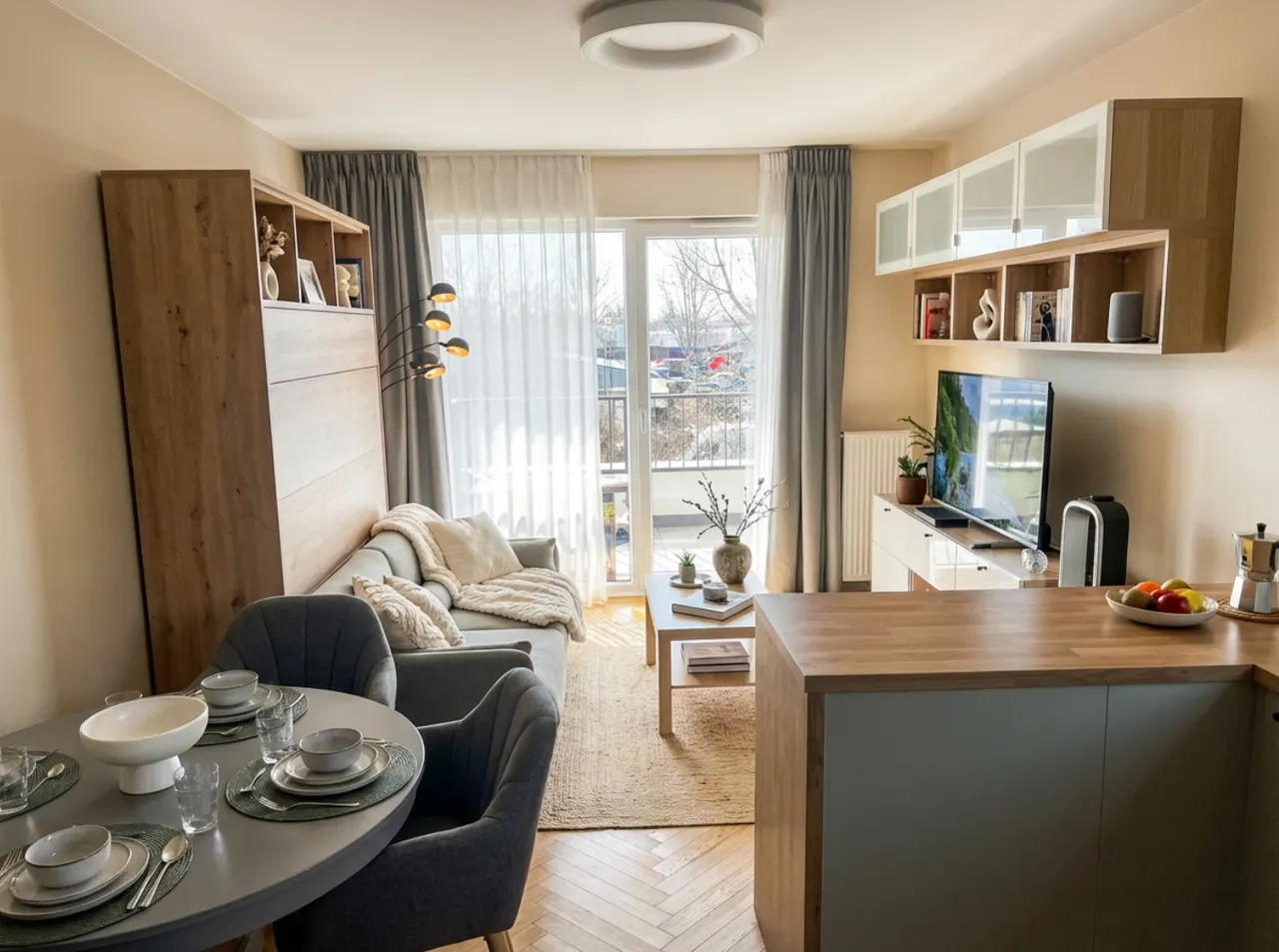
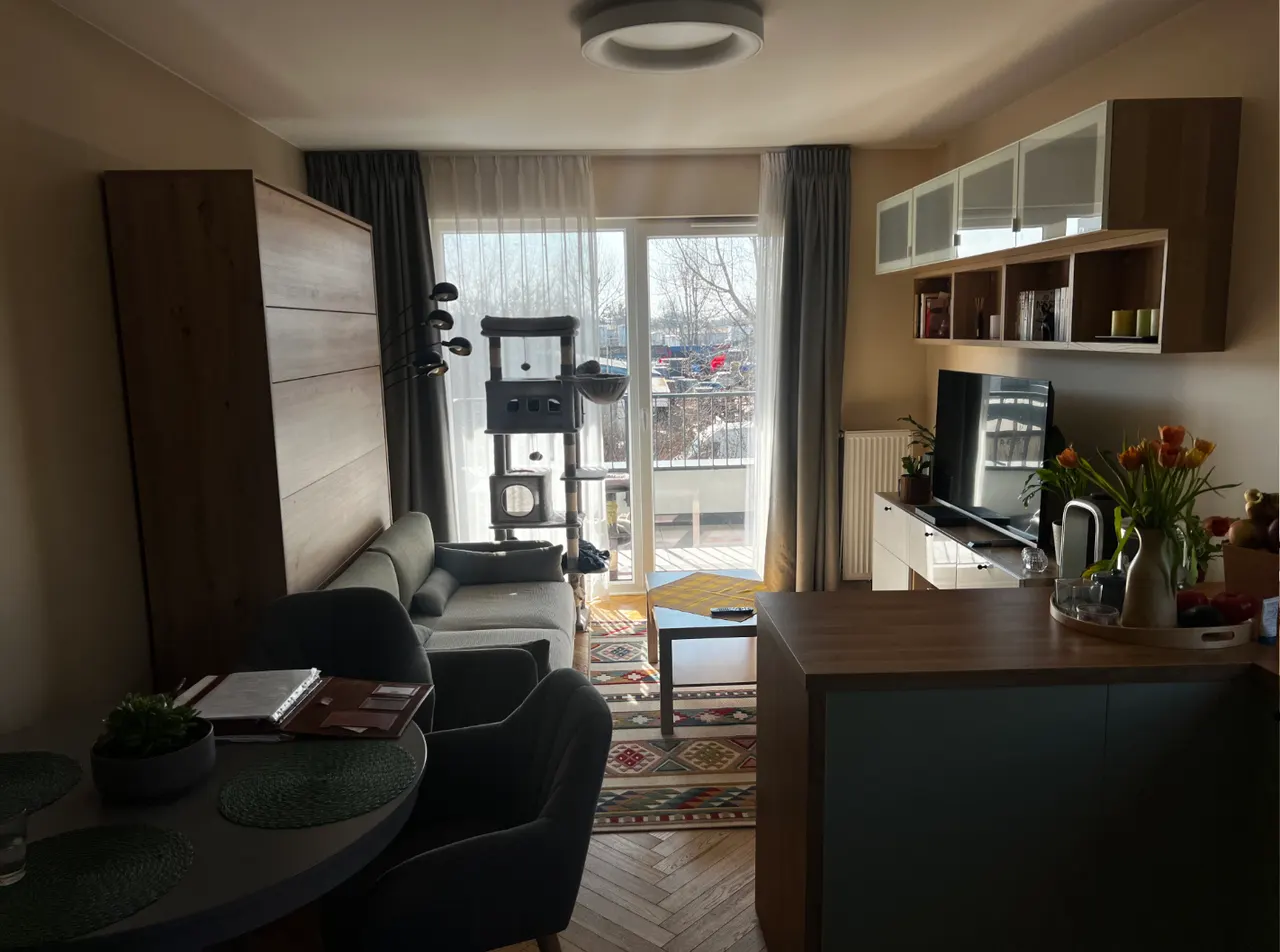
Bedroom · Cord removed
Shot on iPhone · MLS-ready
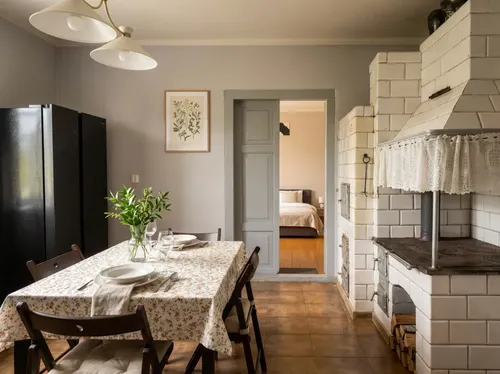
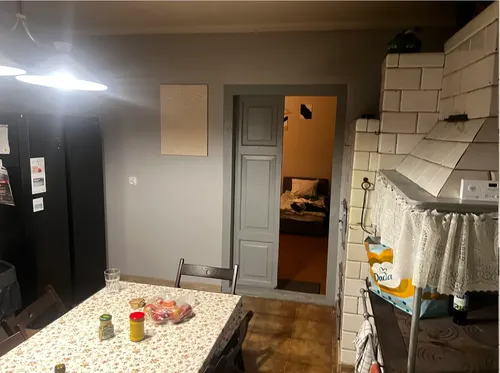
Kitchen · Counter cleared
Shot on iPhone · MLS-ready
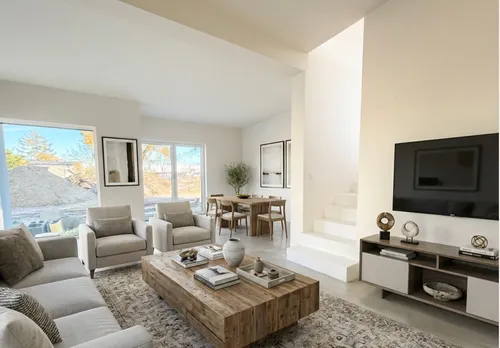
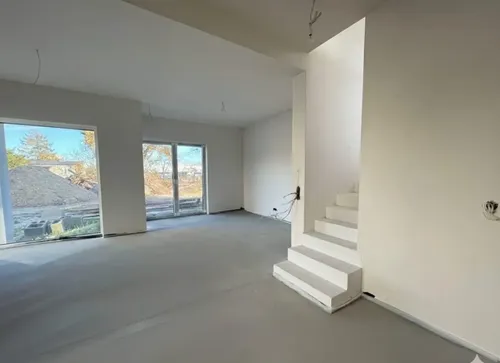
Living · Decluttered
Shot on iPhone · MLS-ready
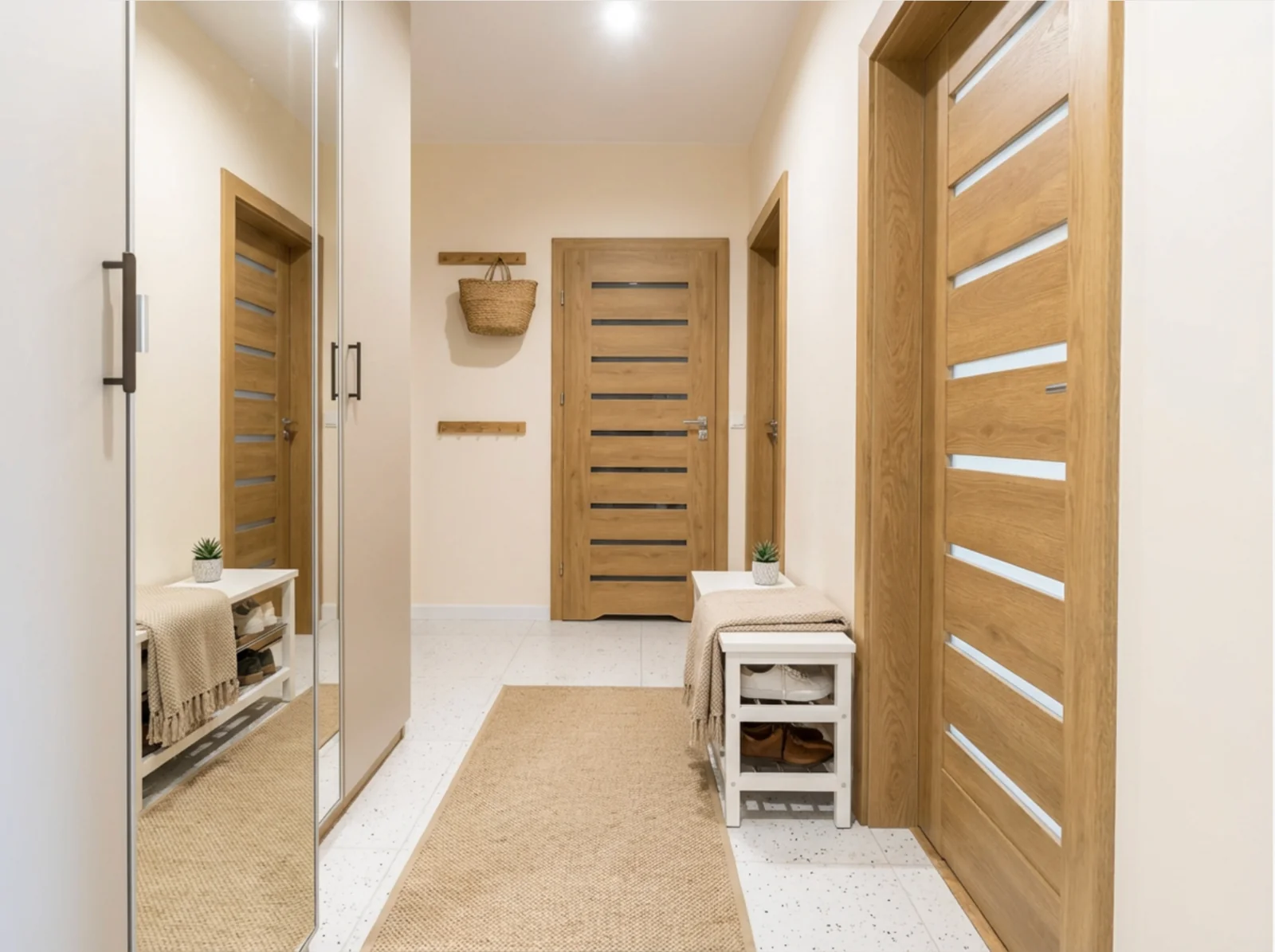
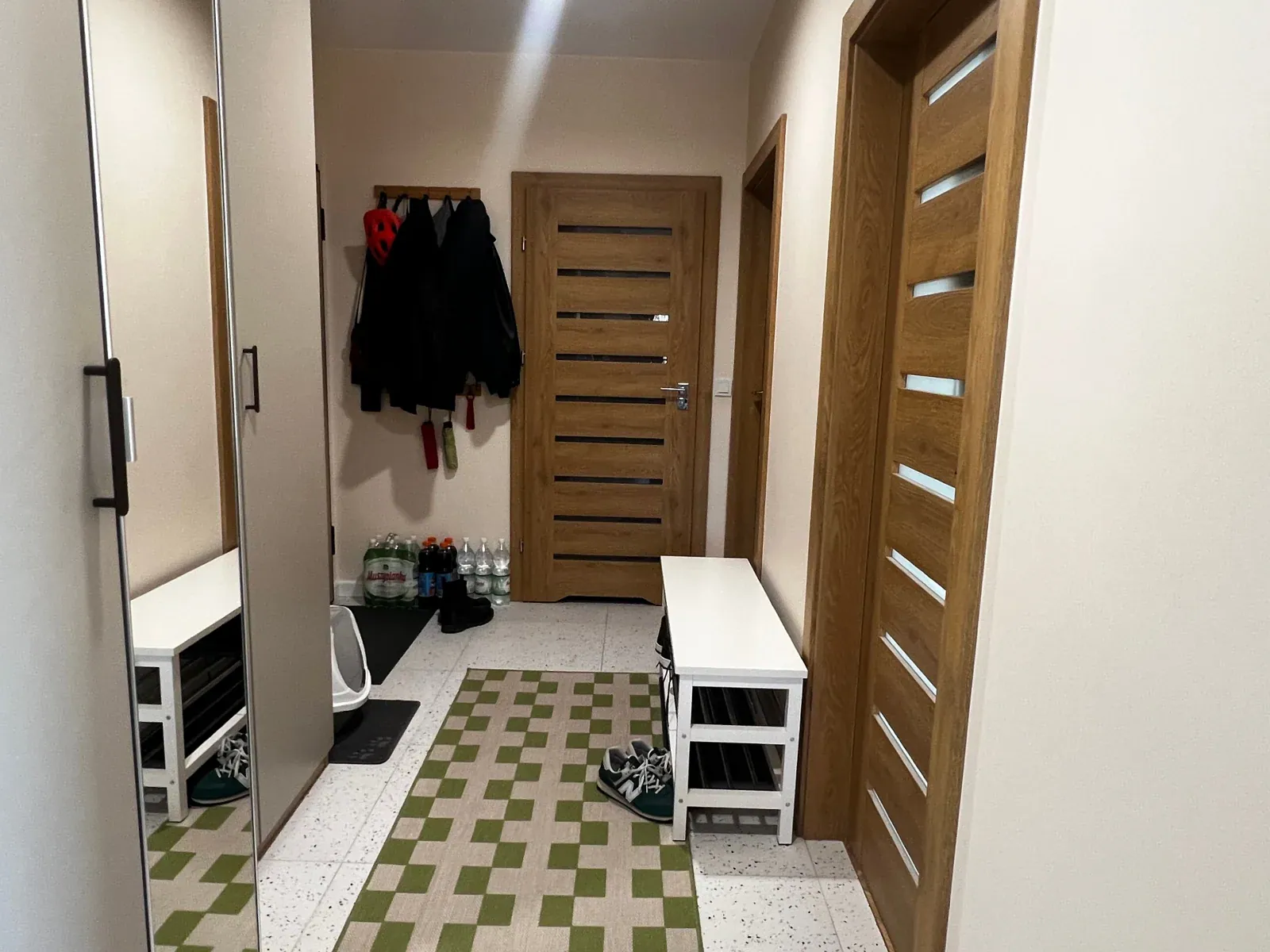
Driveway · Car removed
Shot on iPhone · MLS-ready
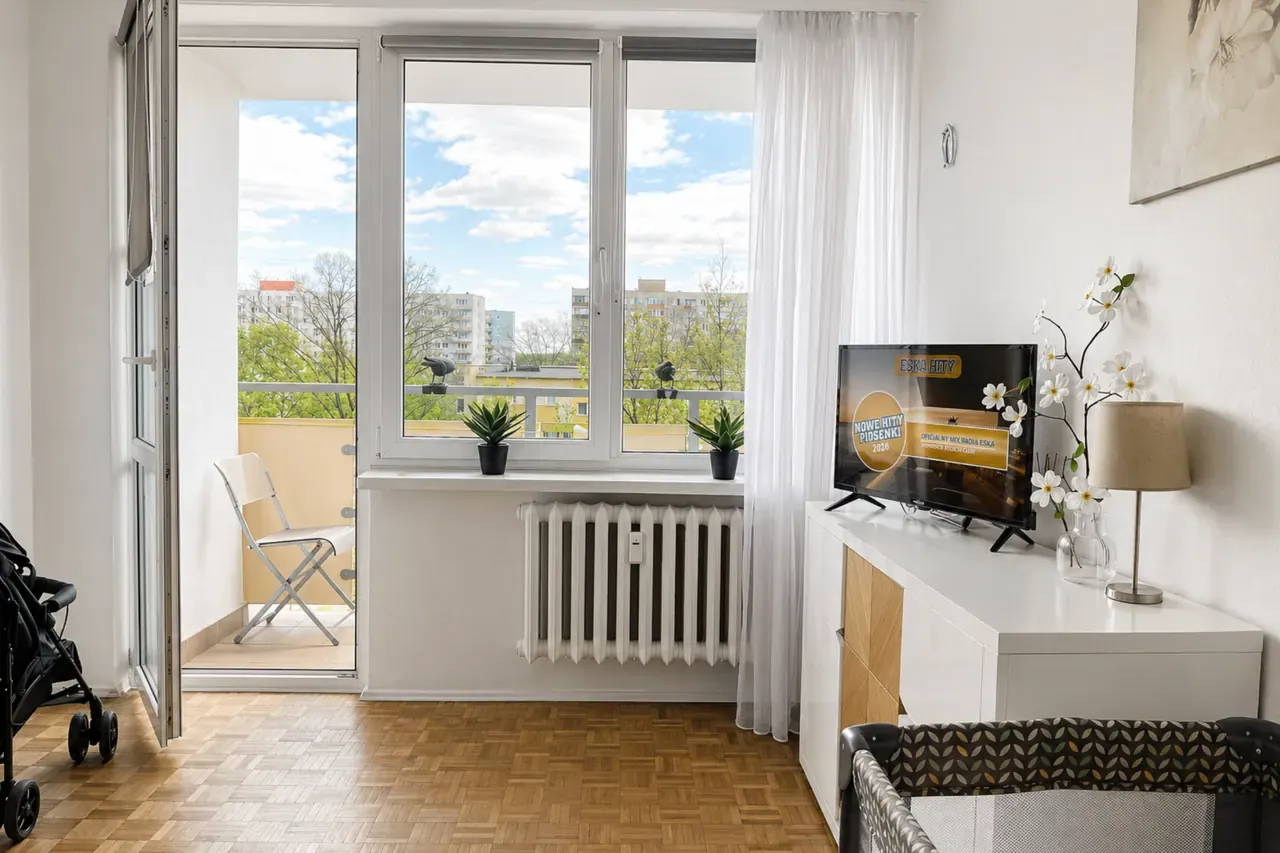
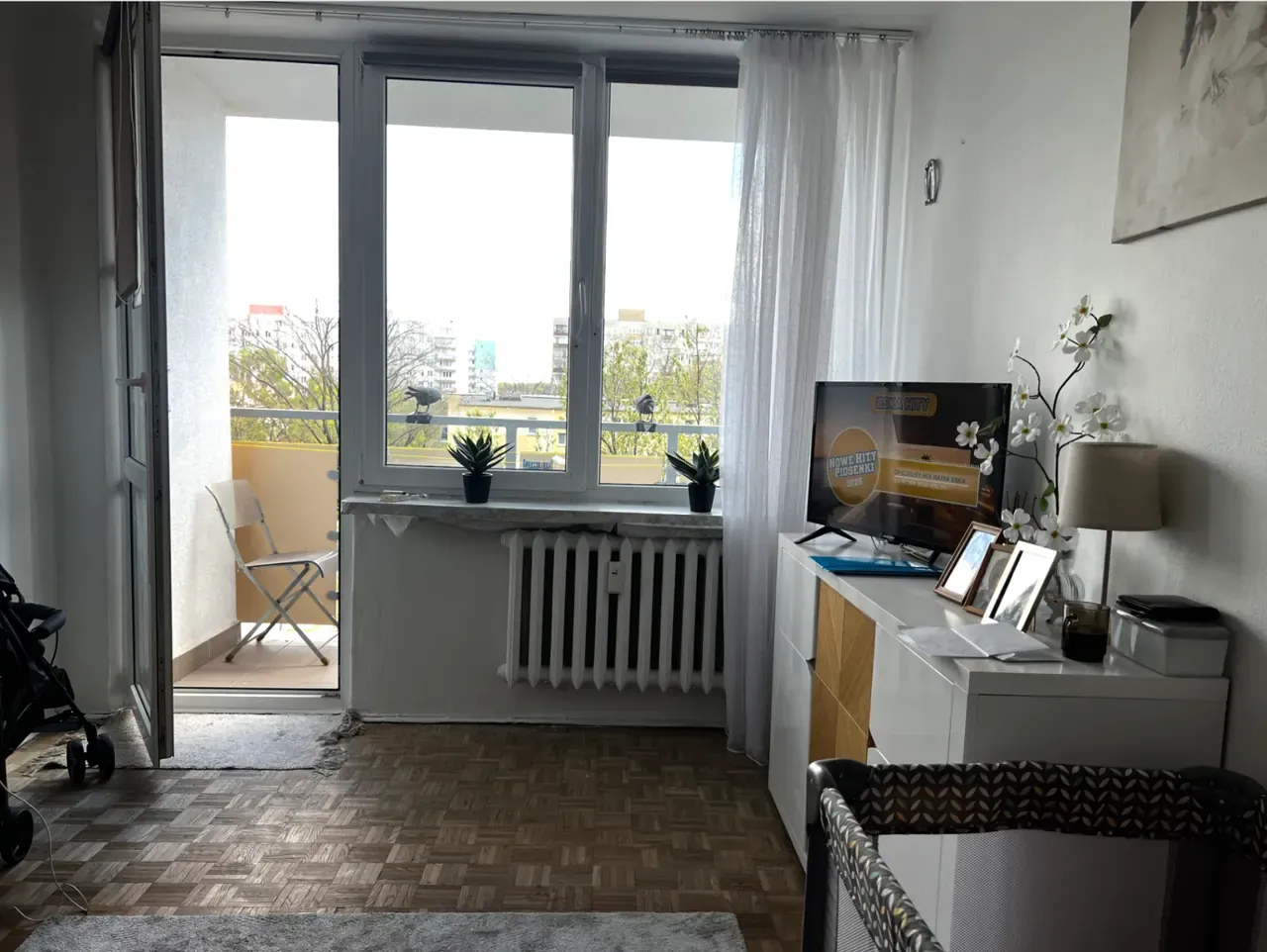
Family room · Toys gone
Shot on iPhone · MLS-ready
Bathroom · Bottle removed
Shot on iPhone · MLS-ready
How Lumistate compares
Three other ways to fix it. Why ours wins.
Honest comparison against the alternatives most agents have tried.
| Photoshop | iOS Clean Up | Generic AI tools | Lumistate | |
|---|---|---|---|---|
| Time per fix | 3–10 min | 30 sec | 20–60 sec | 6 sec |
| Context awareness | Manual | Limited | Inconsistent | Listing-trained |
| Hallucinated objects | — | Rare | Common | Structural lock |
| Resolution preserved | Yes | Yes | Often downsampled | Full res |
| Skill required | High | None | None | None |
The only in-paint trained on real estate photos — not stock images.
When to use it
Four scenarios where this is non-negotiable.
The exact moments active agents reach for this tool.
Remove cords & cables
The shot: Bedrooms, offices, kitchen counters.
Without: Reshoot or settle for the photo.
With: 30 seconds, MLS-ready.
Hide personal items
The shot: Family photos, religious items, branded clothing.
Without: Manual editing in Photoshop or skip the room.
With: Brush over, regenerate — privacy preserved.
Clear the driveway
The shot: Cars, trash bins, garden hoses.
Without: Reshoot when the seller leaves.
With: Removed in seconds, exterior shot saved.
Fix stains & wear
The shot: Carpet stains, wall scuffs, ceiling marks.
Without: Risk a misrepresentation flag.
With: Honest disclosure-tagged fix that doesn't deceive buyers.
What's in your plan
In-Paint is in Pro and above.
Including the Free tier. Try it without committing.
| Free | Pro €29 | Volume €79 | Business €99+ | |
|---|---|---|---|---|
| In-Paint Fix | — | ✓ | ✓ | ✓ |
| In-paint passes / month | — | 200 | 1,000 | Unlimited |
| Resolution preserved | — | ✓ | ✓ | ✓ |
| Disclosure tagging | — | ✓ | ✓ | ✓ |
Try it on your next listing. Free for 7 days.
15 generations. Cancel anytime. Listing live by tonight.